Keep the people.
Lose the Reels.
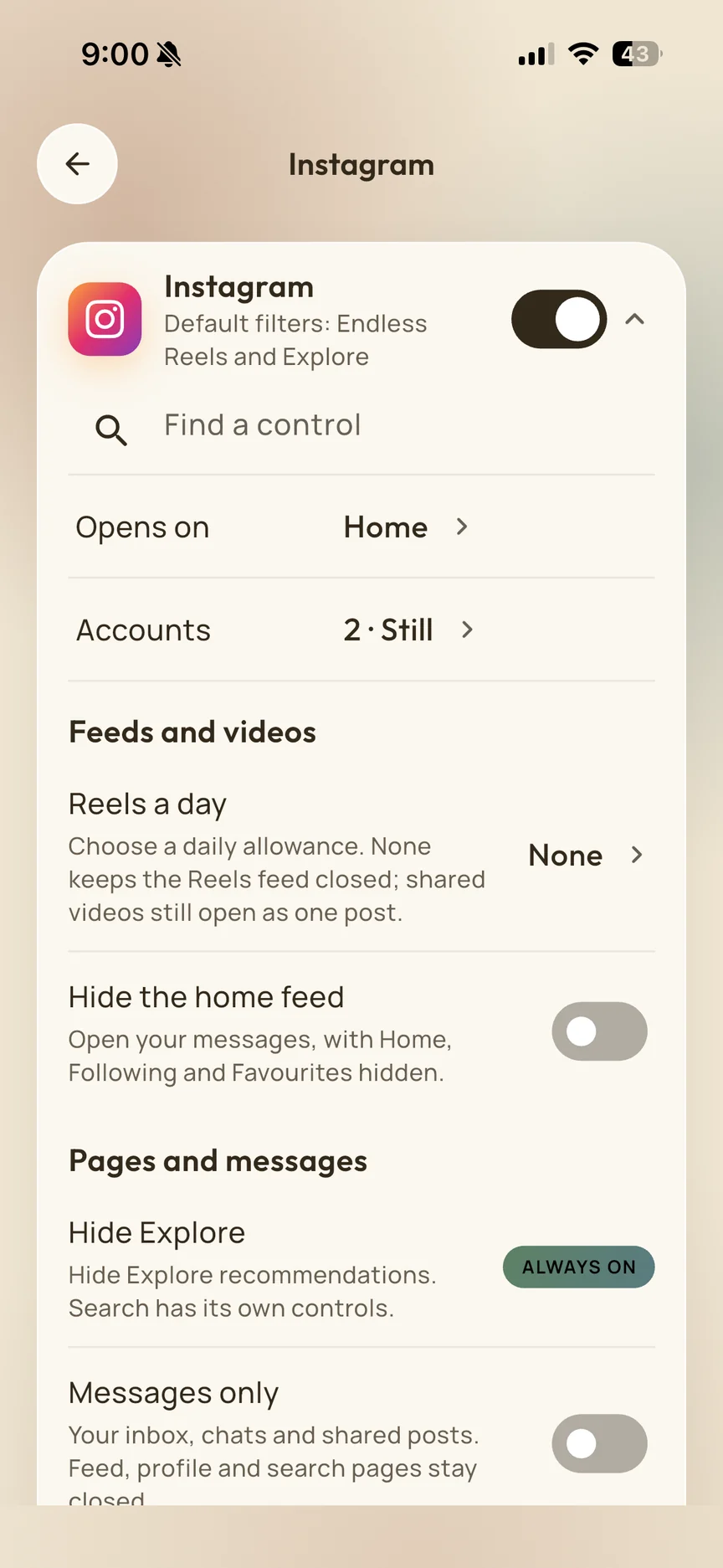
Reply to a friend or catch up with people you follow. Keep the endless Reels feed out of the way.
See Instagram in Still Social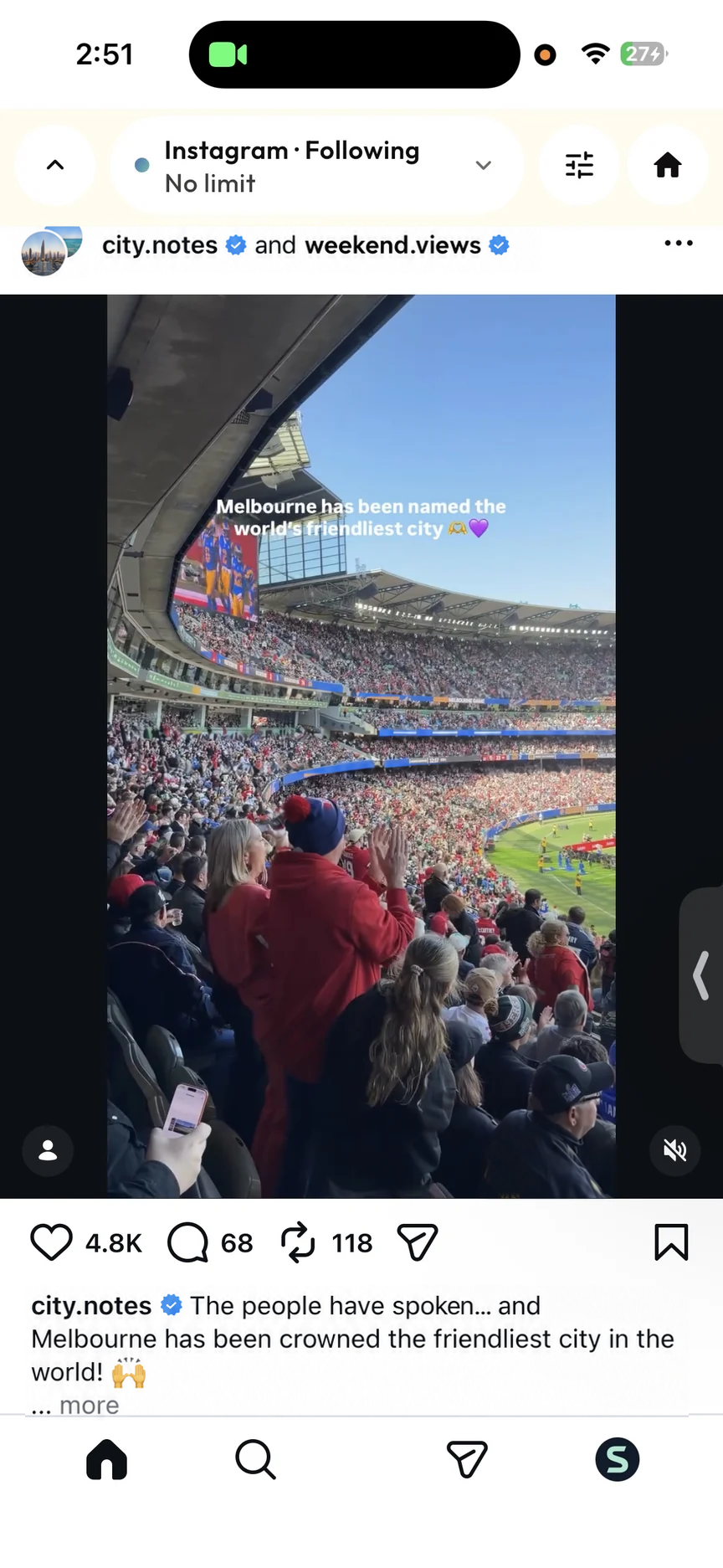

Still Social for individuals
Send the message. Watch the video you chose. Make room for everything you meant to do afterwards.
Reply to a friend or catch up with people you follow. Keep the endless Reels feed out of the way.
See Instagram in Still SocialFind the tutorial or channel you came for. Watch chosen videos without an endless Shorts detour.
See YouTube in Still Social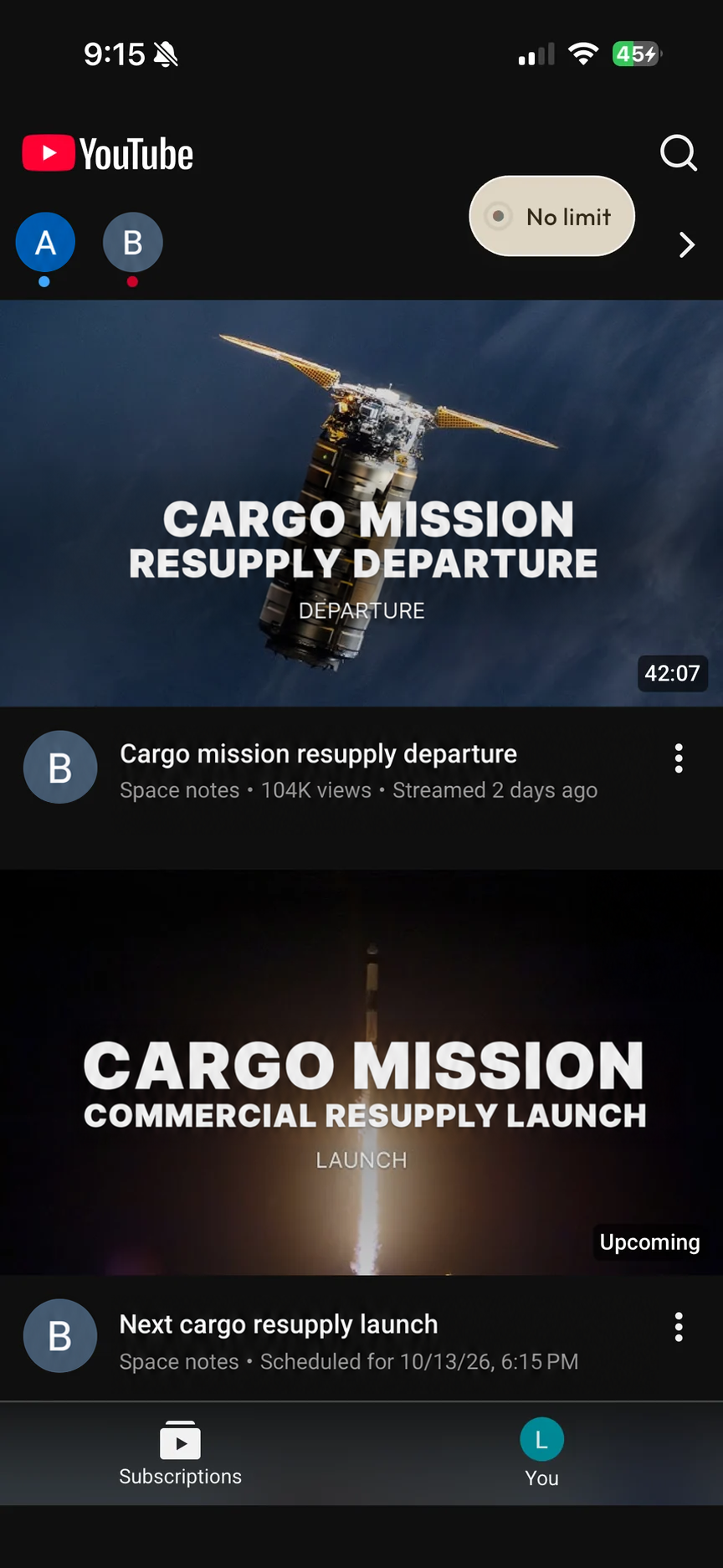
A routine that fits
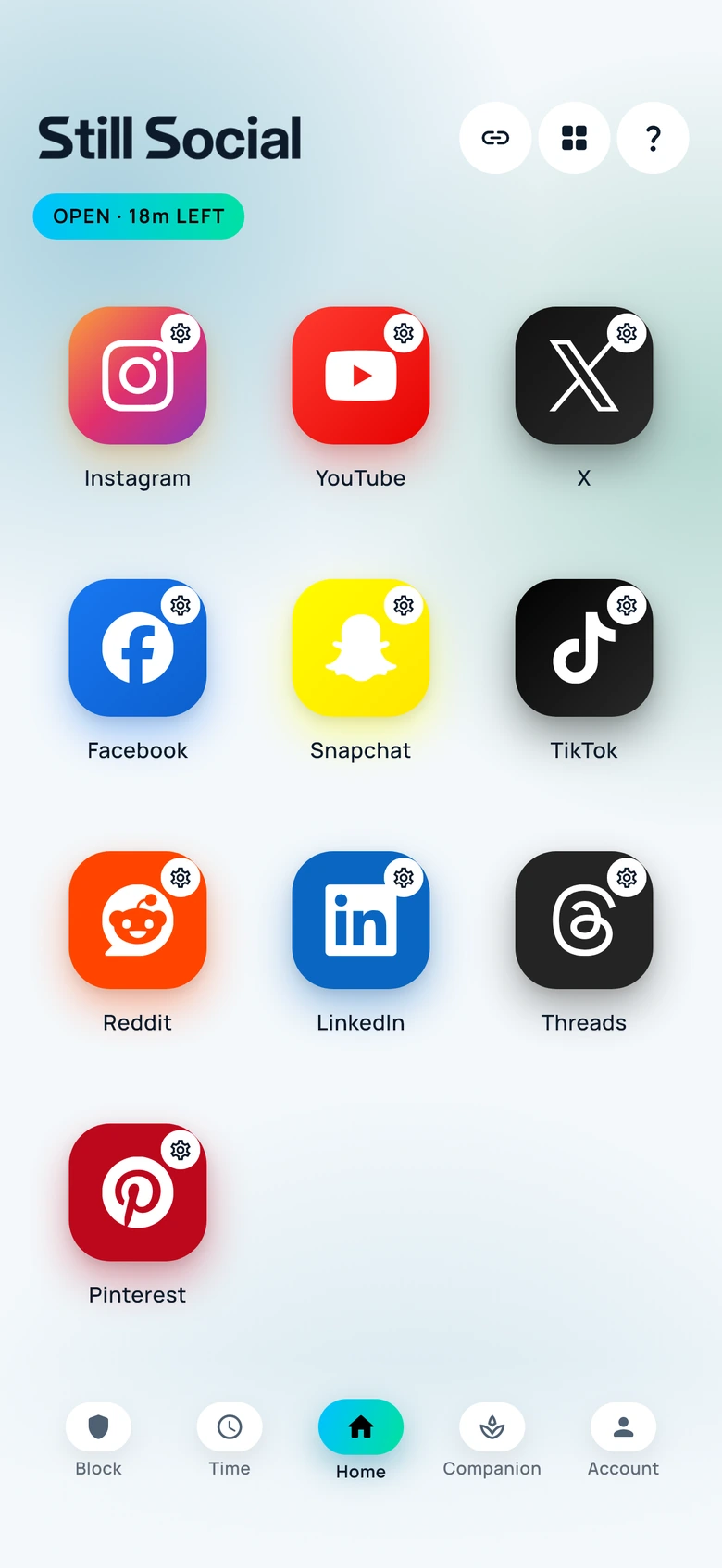
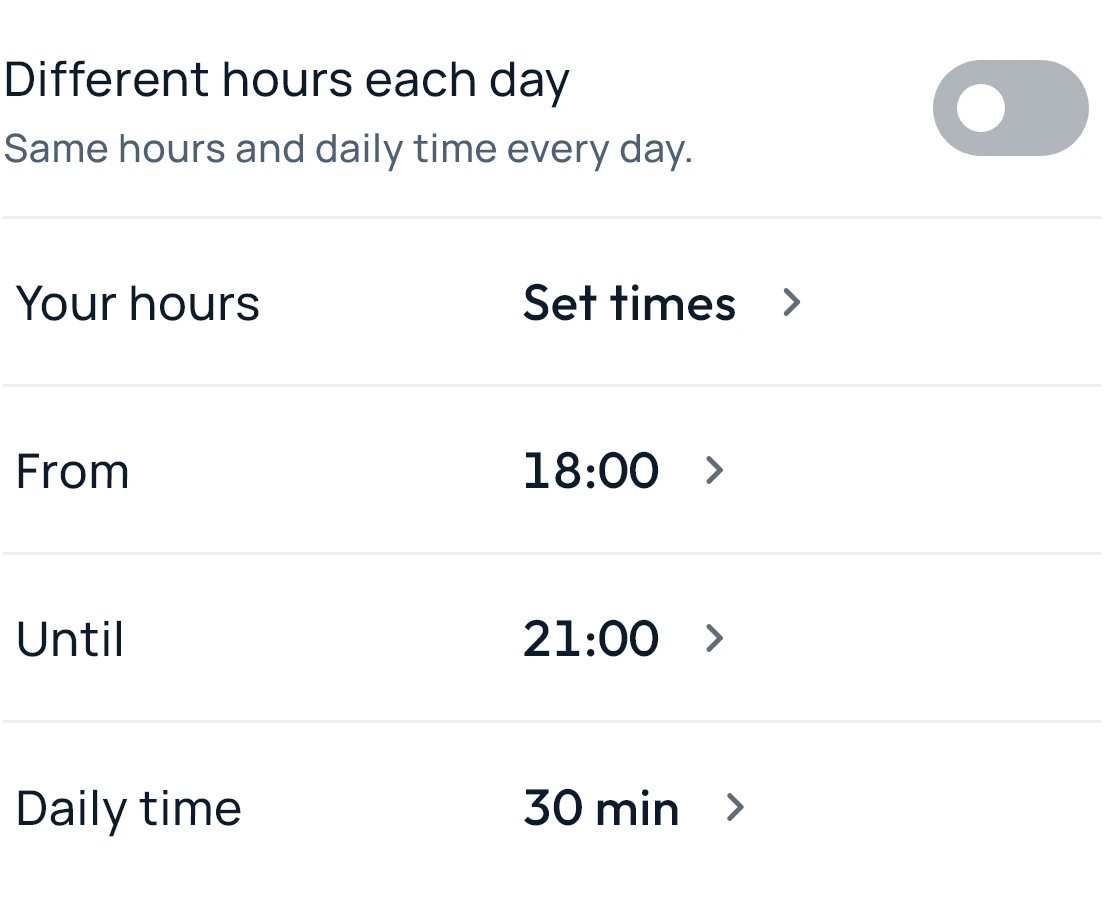
Choose your hours and daily time. Make weekdays, weekends and the moments between visits work around your life.
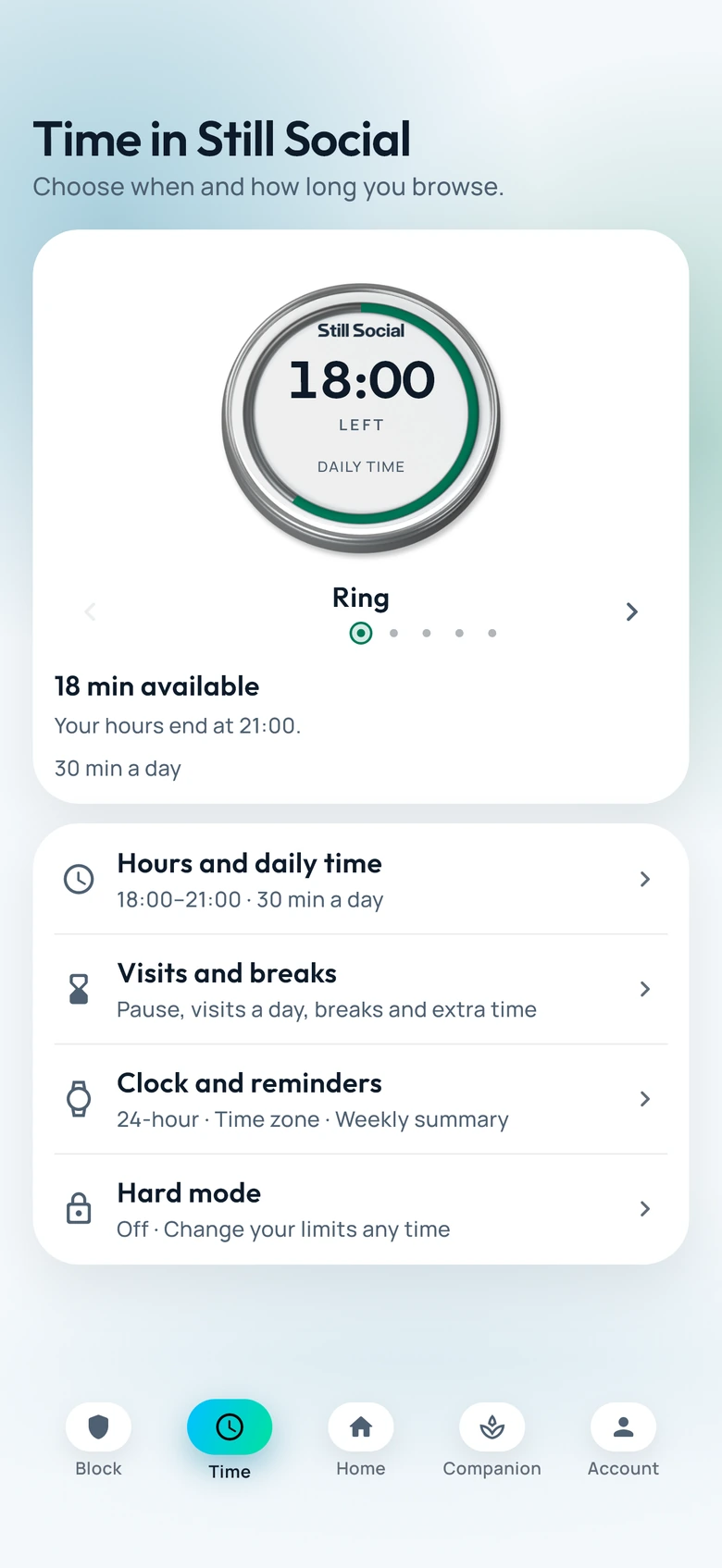
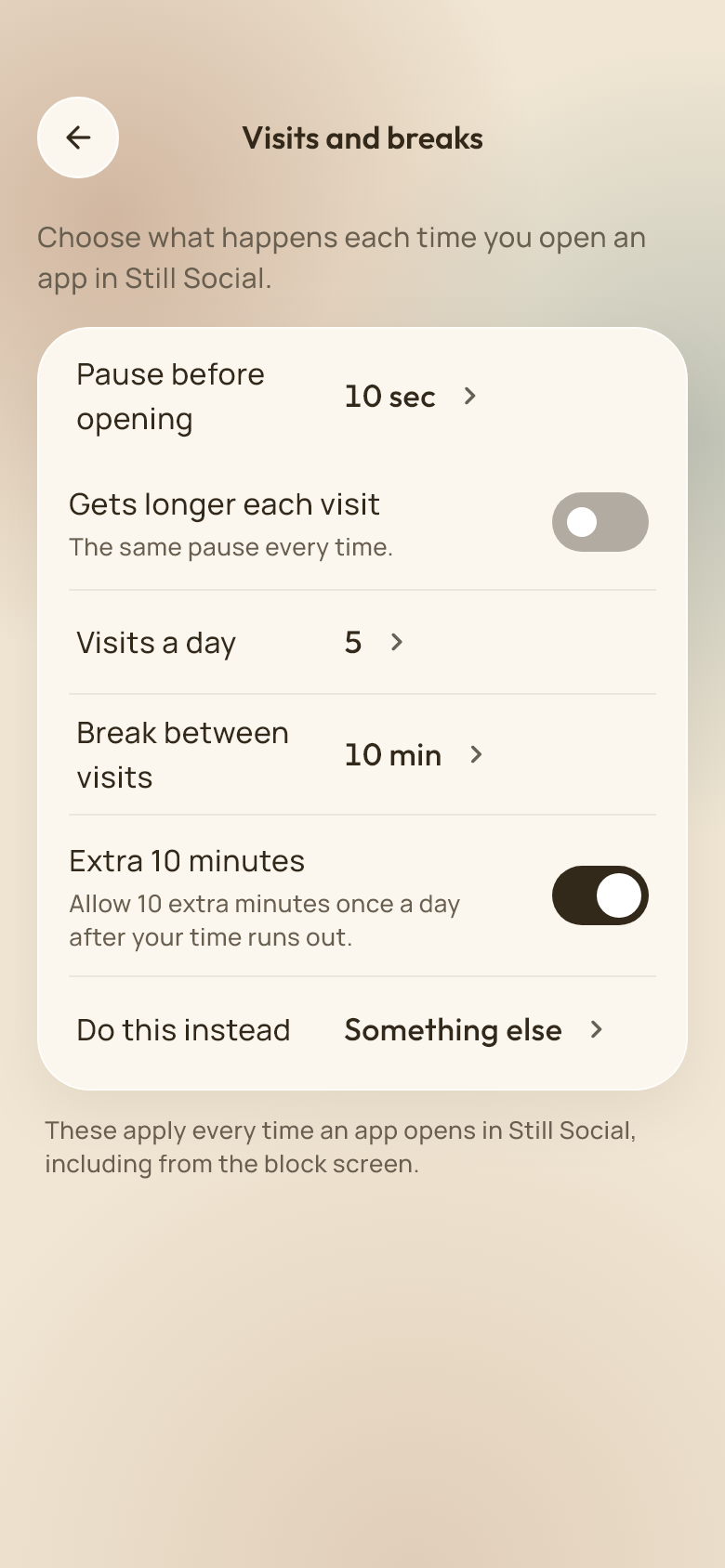
Pause before opening, choose why you are checking in and leave a little space between visits.
When something else comes first
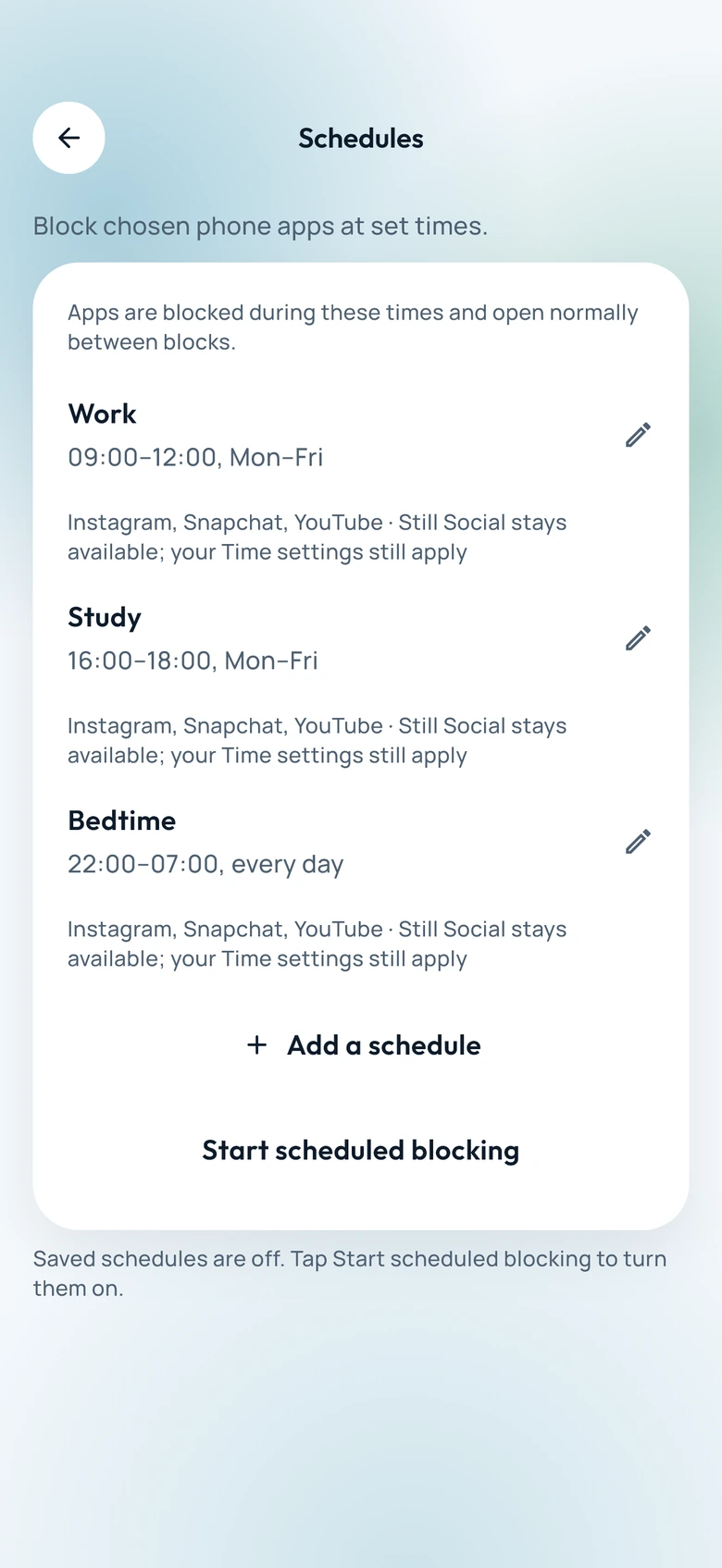
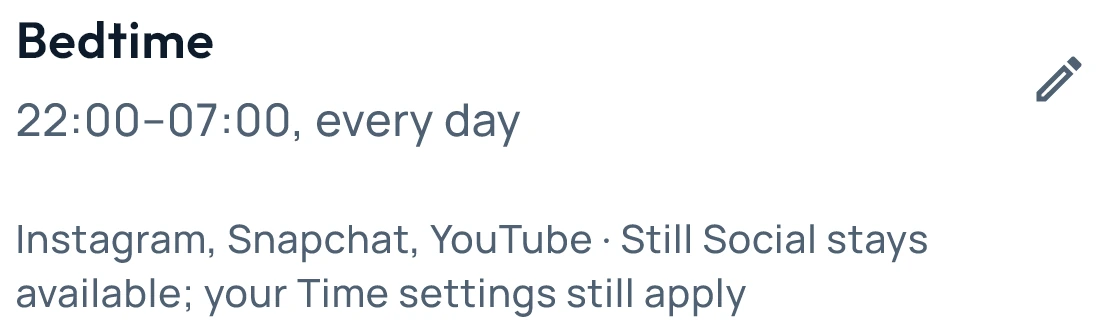
Keep selected phone apps closed for work, study or bedtime. Set a schedule, or start a block when you need one.
Phone-app blocks need device permission and your selected apps. They are separate from browsing hours inside Still Social.
Use Hard mode or a PIN when you want a firmer boundary. Invite someone you trust to help with protected changes.
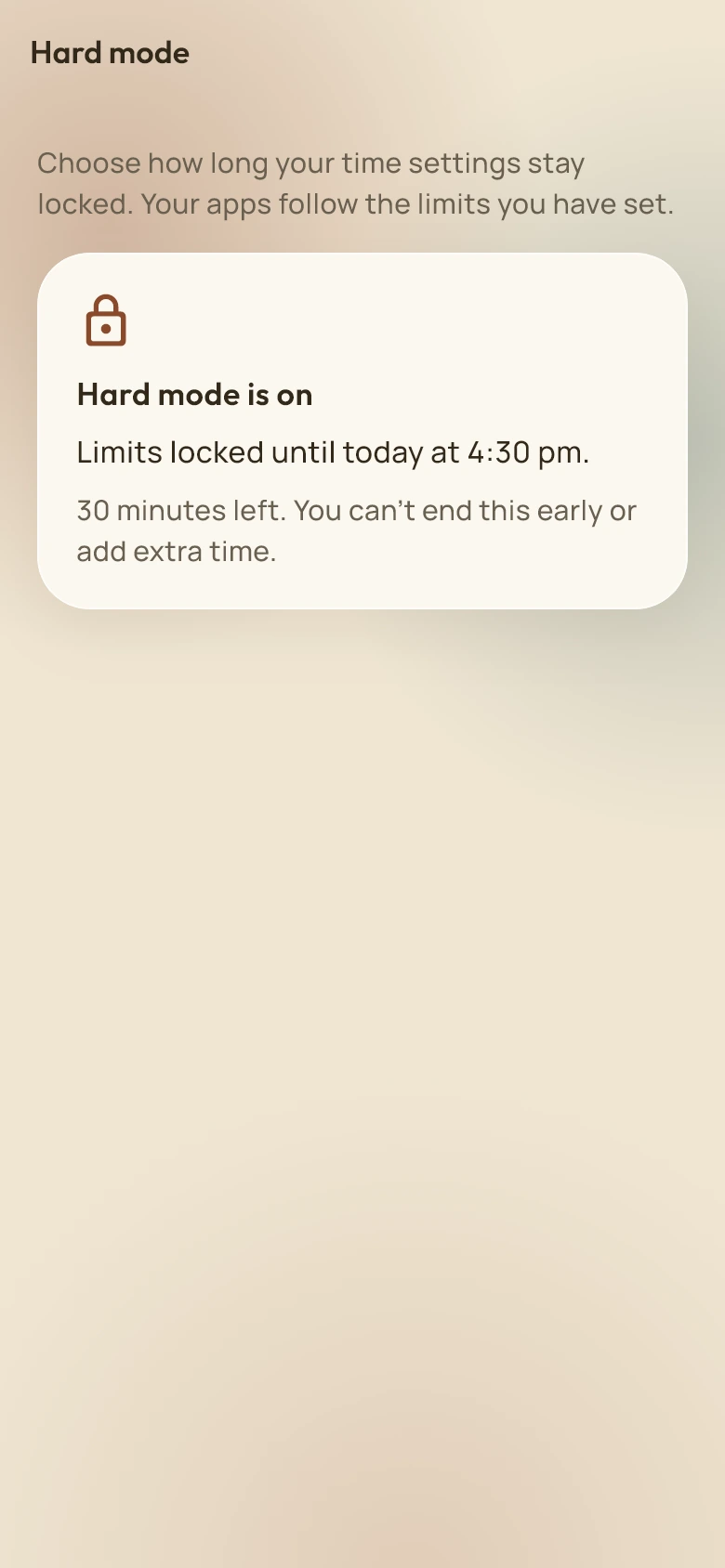
Choose where each app opens, keep separate social accounts and make the feed quieter with the controls that suit you.
Listen to supported YouTube videos with the screen off, or keep a video in picture-in-picture while you do something else.
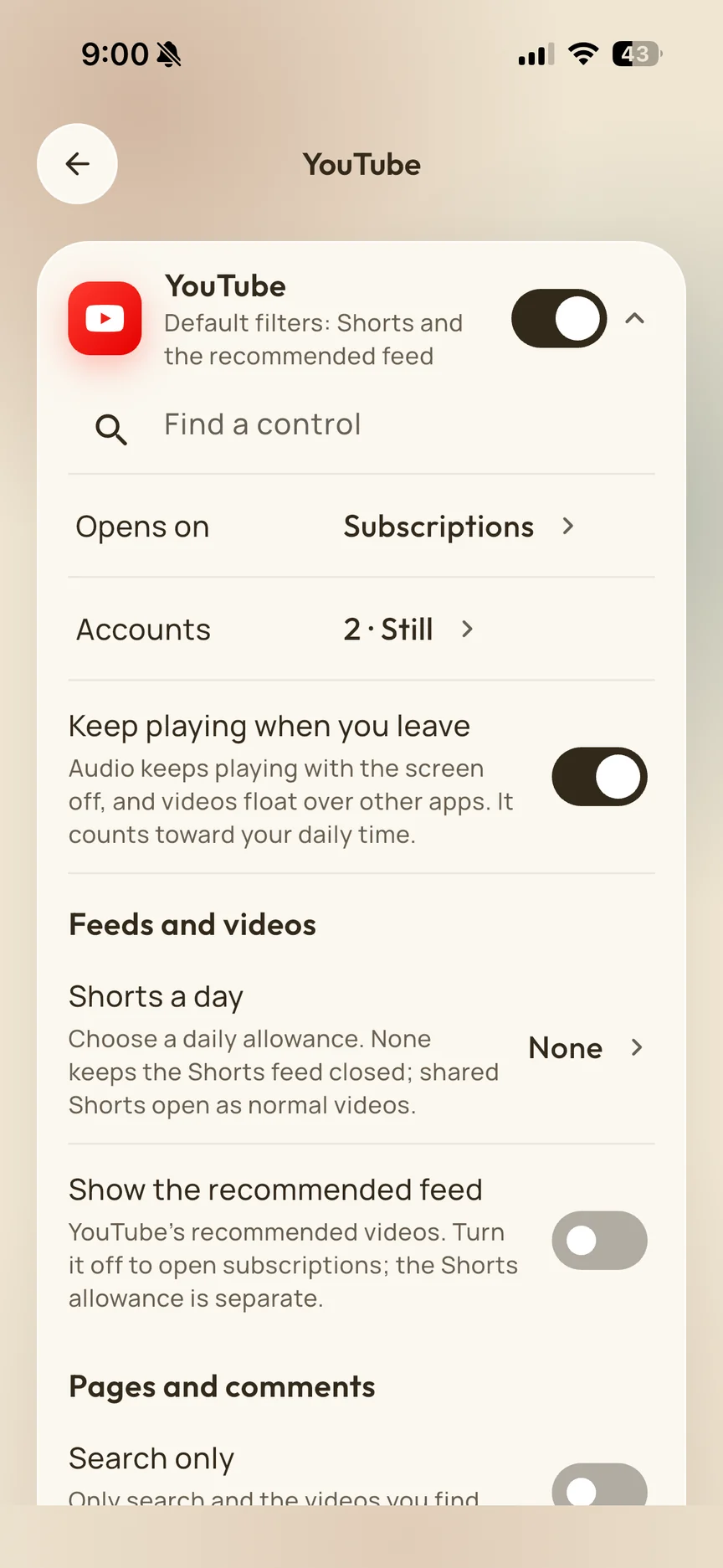
Supported playing audio and picture-in-picture count towards your daily time.
Room for something better
Take a break to read, move, make or rest. Choose a Companion, grow your garden and collect trophies as you build your routine.

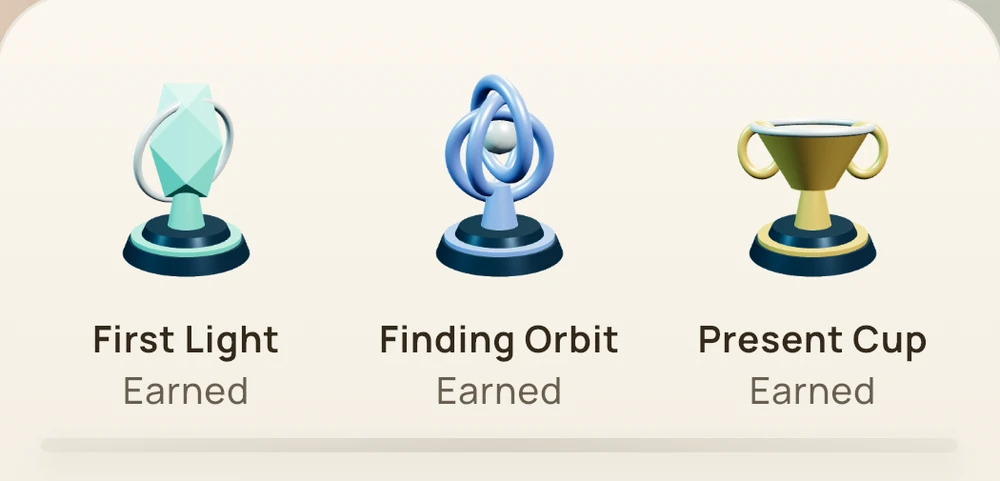
Keep what connects you. Make space for everything else.
Get Still SocialFor iPhone and Android


