Your rules.
Clear on their screen.
Choose the apps and time available to each child. They can see the rules you set.
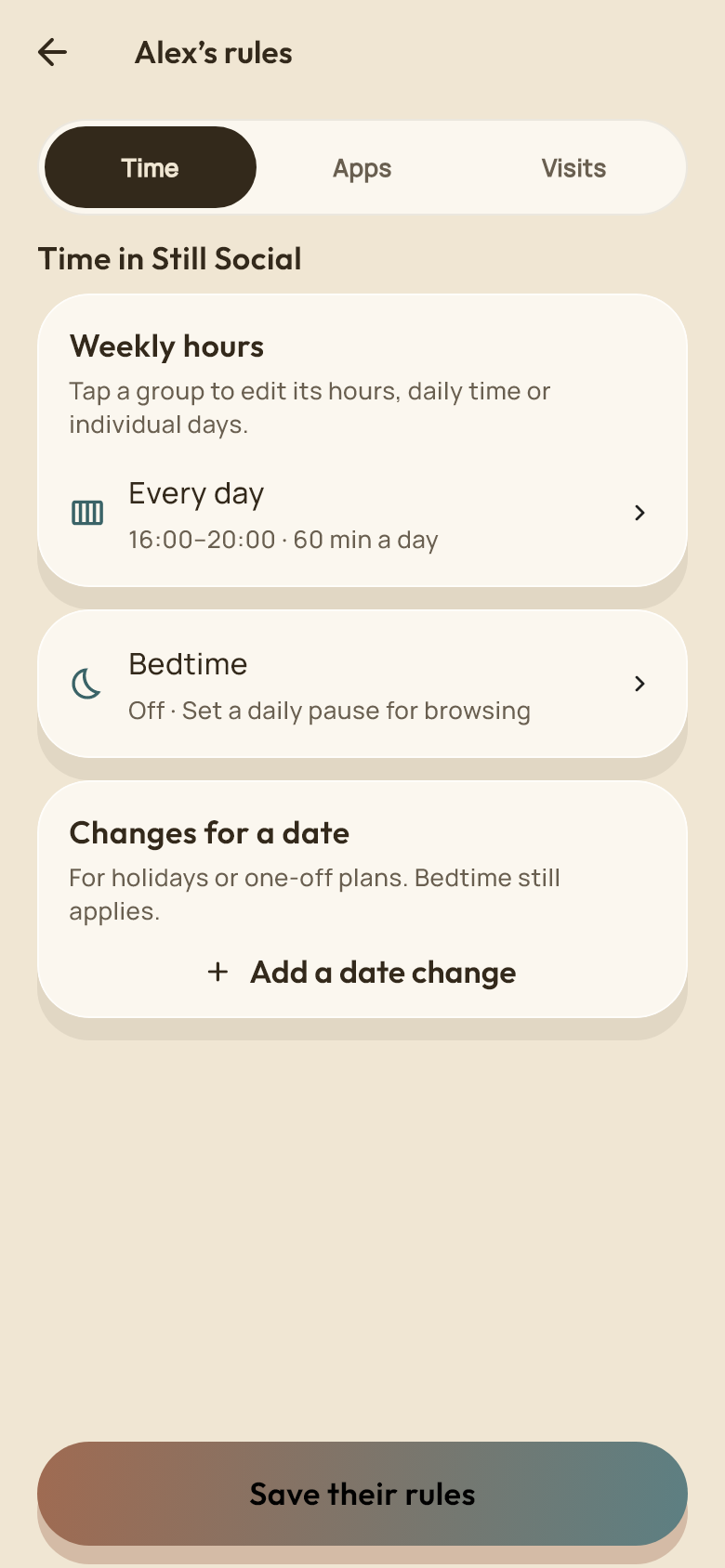
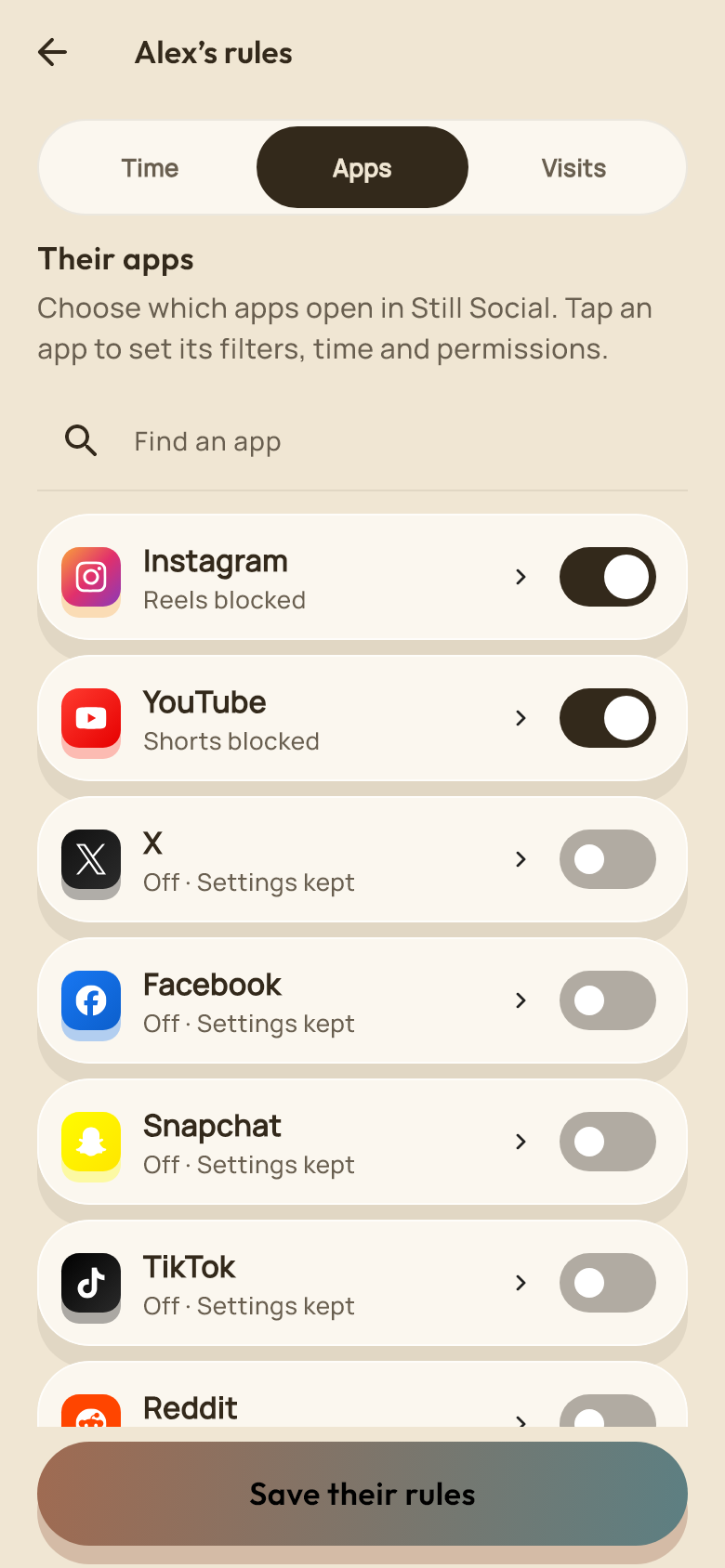

Still Social for families
Choose apps and time limits together, with a routine that fits their day.
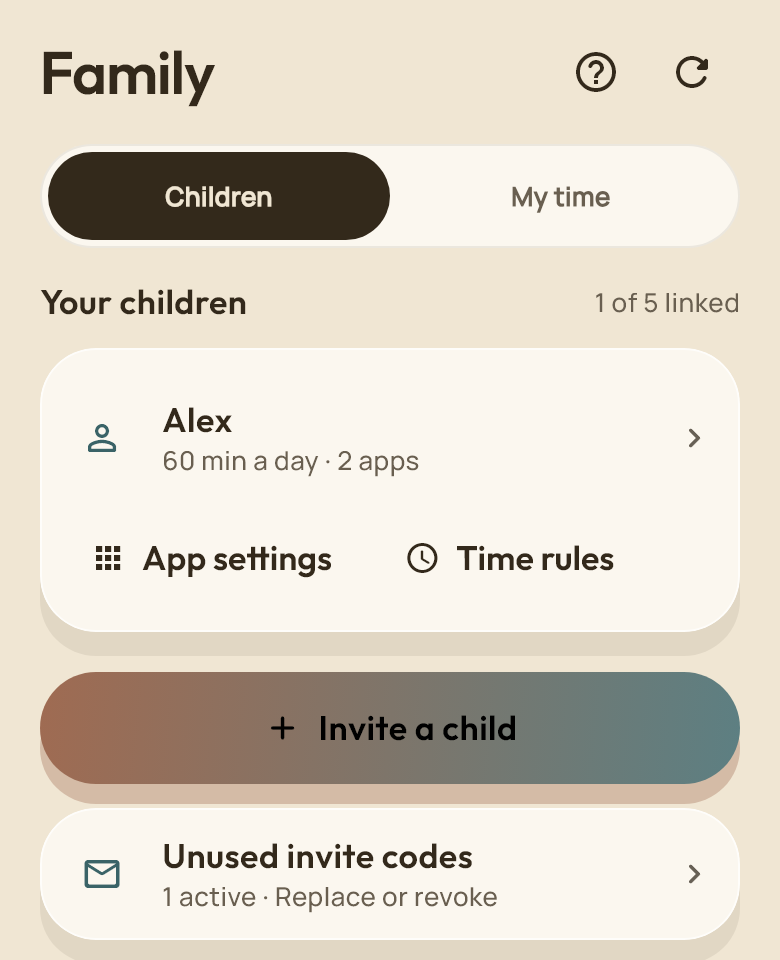
Choose the apps and time available to each child. They can see the rules you set.
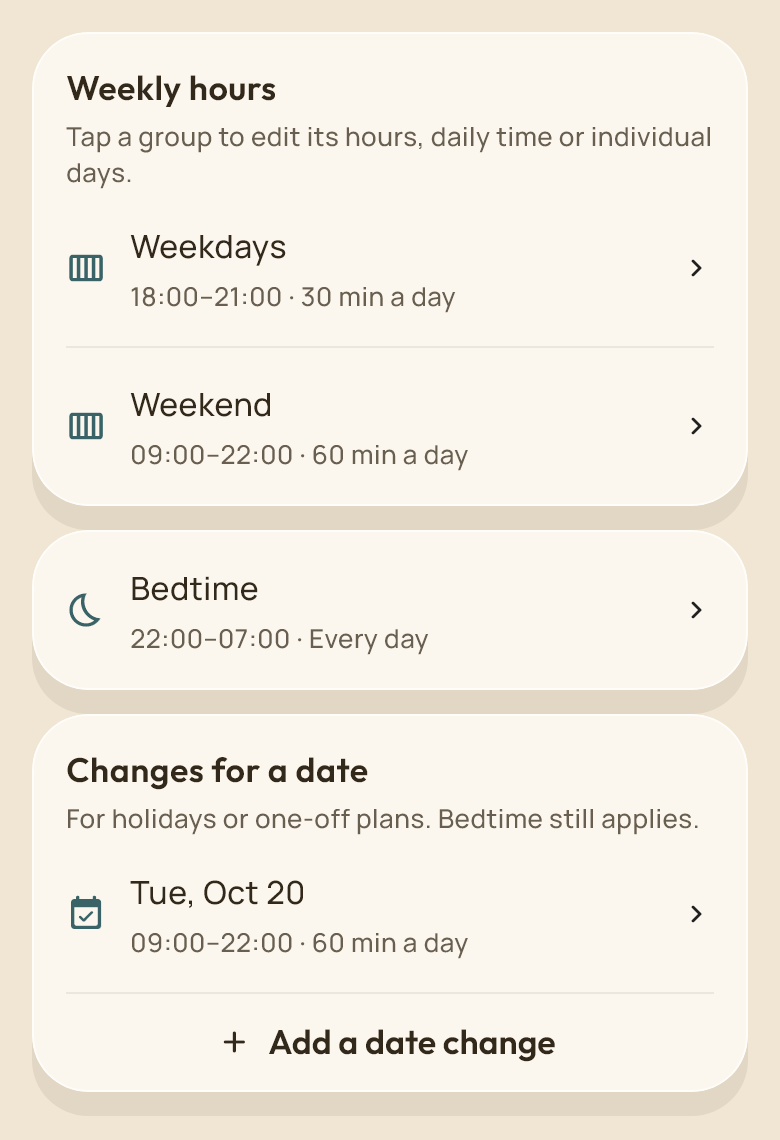
Give school nights and weekends different hours. Make a one-off change for a holiday or a late finish.
Set visits and breaks so one quick check does not turn into another.
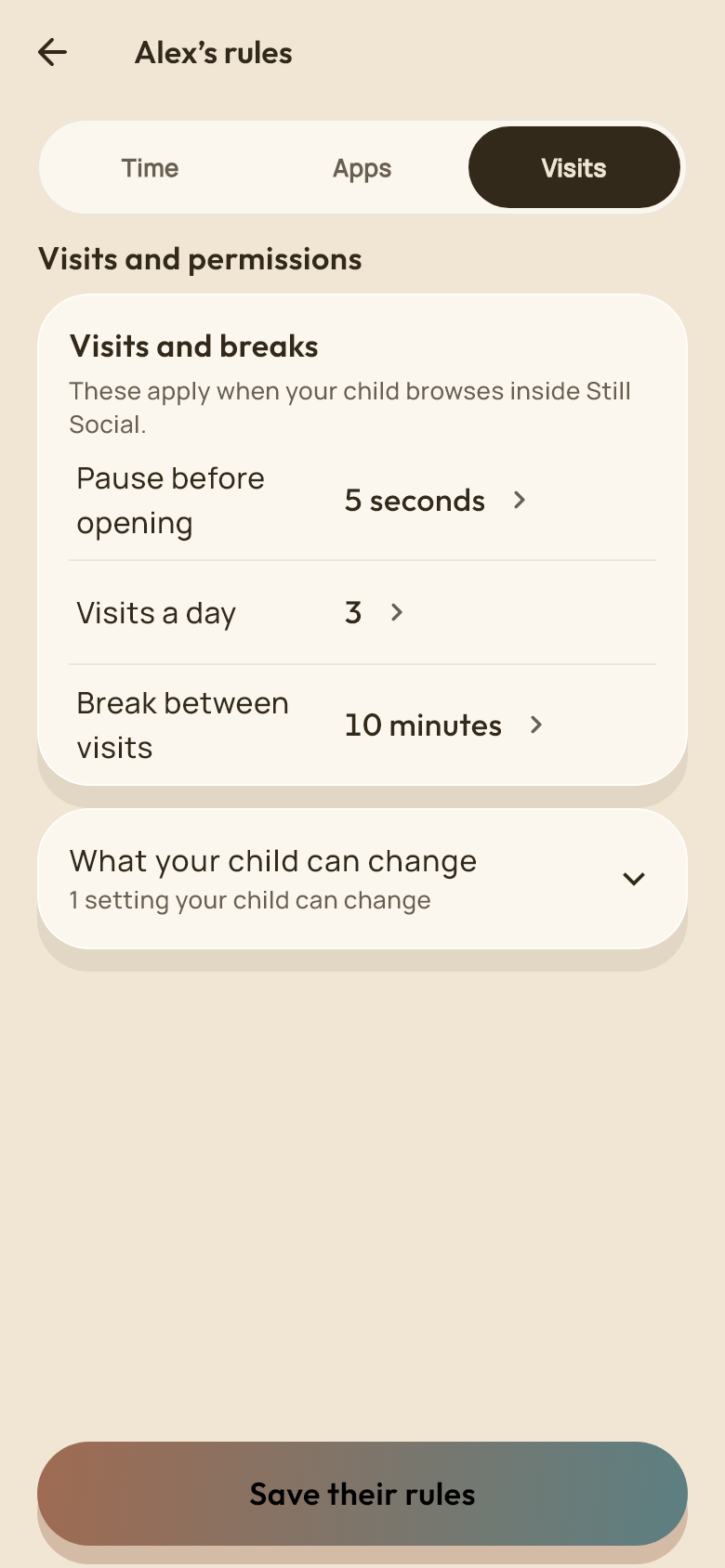
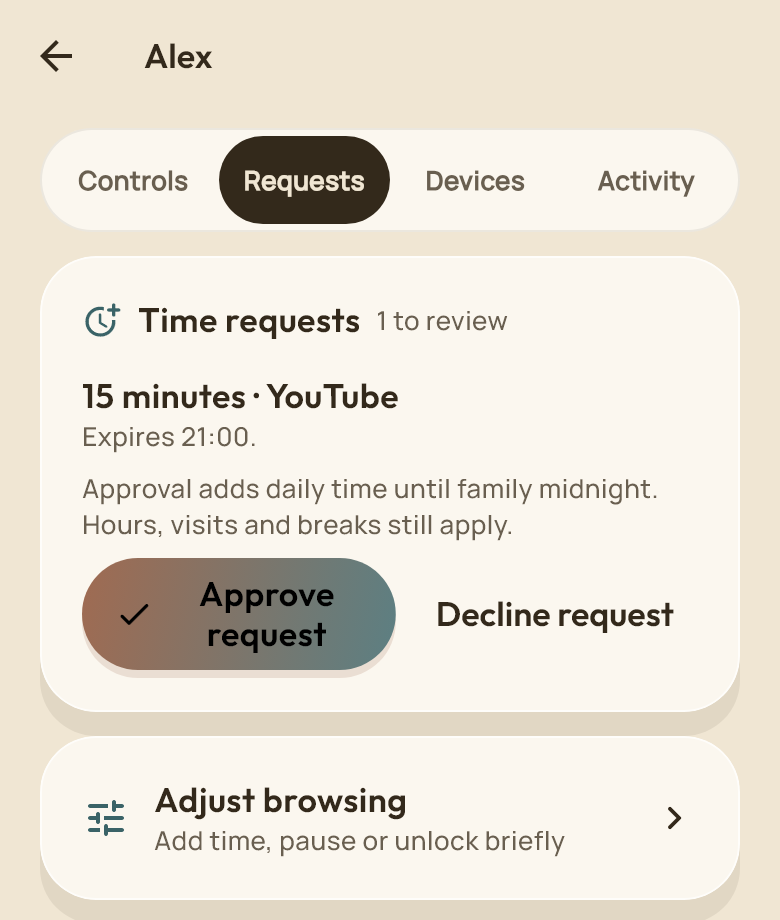
Review requests for more time and choose what your child can change. Keep the next decision in your hands.
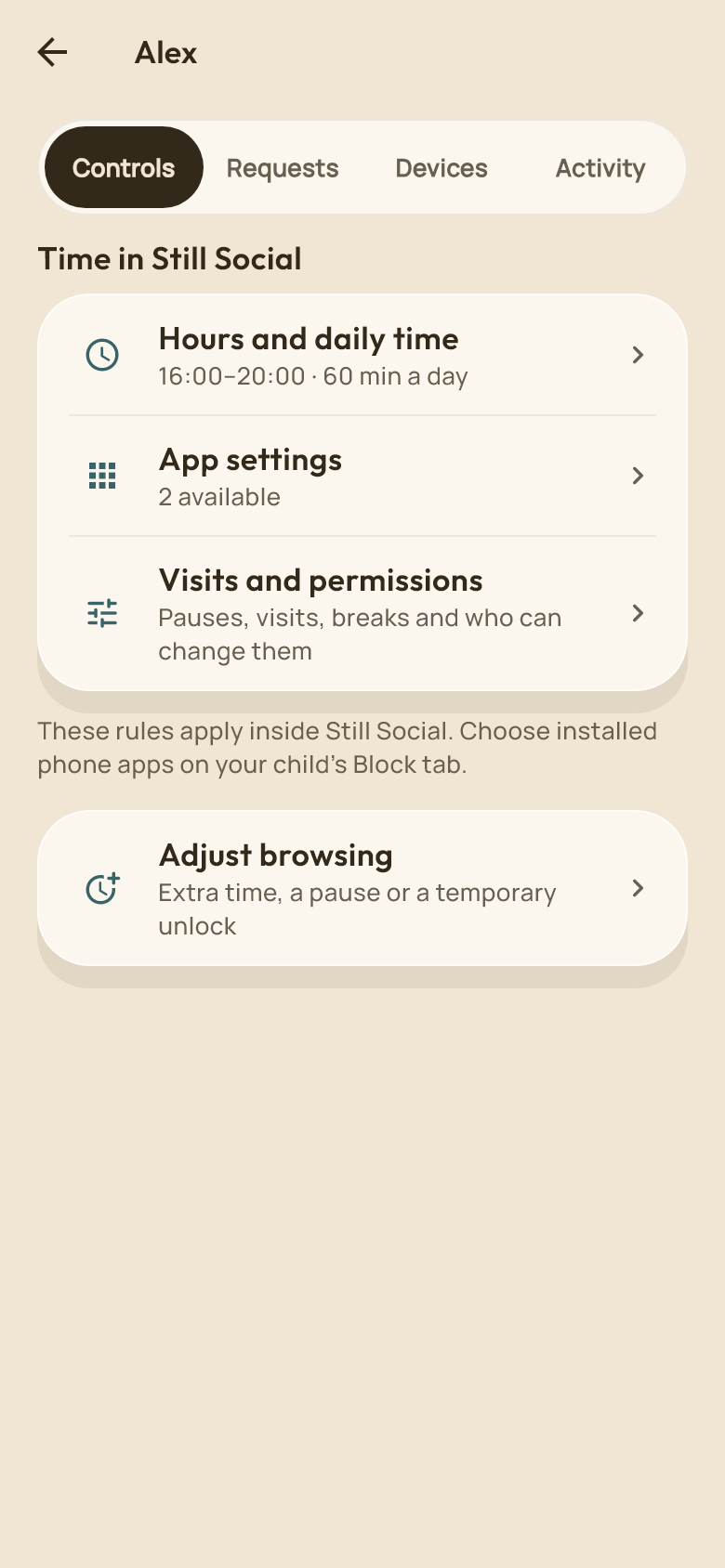
Manage linked devices from the same place as your child’s time rules and requests.
A little encouragement
A Companion, daily moments and visible rewards help them keep track of their progress.

Create an invitation from Family. Your child signs in to their own Still Social account and joins with your code. You can link up to five children.
Parents choose whether to receive weekly summaries of daily minutes, visits and blocked feeds. Children can see when sharing is on. Messages, searches, visited pages, viewed content and social sign-ins are never shared. Turning summaries off deletes the stored shared totals.
Feed filters work inside Still Social. Blocking selected phone apps is a separate choice that needs device permission. Platform age requirements still apply.
Screens show example accounts and settings. Family controls and available options are shown inside Still Social.
Help up to five linked children build a routine.
Get Still SocialFor iPhone and Android